Using data-driven insights and requests from its robust community, HubSpot continually evolves its unified customer platform. As a result, we get a seamlessly connected system that ensures data, AI, and teams can scale with intelligence across sales, marketing, and service.
To help you stay ahead and keep up-to-date with HubSpot’s monthly updates, we unpack the top updates for the month.
Here are our favourite HubSpot Product Updates for June 2026:
1. Sandbox Support for Multi-Brand supported assets
Managing a house of brands just got a whole lot better! HubSpot has officially supercharged its sandboxes to automatically copy assets assigned to all of your connected brands, finally breaking free from the old limitation of only syncing your default brand. Your testing portal is now a true, uncompromising mirror image of your live environment.
Use case: Previously, if you were managing multiple brands, creating a sandbox meant missing critical workflows, forms, or automated marketing emails tied to your non-default brands. This made it incredibly risky to test sweeping changes, as you couldn't see the full ripple effect across your entire enterprise. With this update, your sandbox perfectly replicates your complete production portal. You can now confidently test multi-brand customer journeys, automated campaigns, and design tweaks without the fear of breaking live setups or missing crucial brand context.
Available in: All Enterprise Tiers
*Note: For your internal tracking, keep in mind that this sync currently only works from production to sandbox, with the "Deploy to production" feature coming a bit later.
2. Run Agent Workflow Action
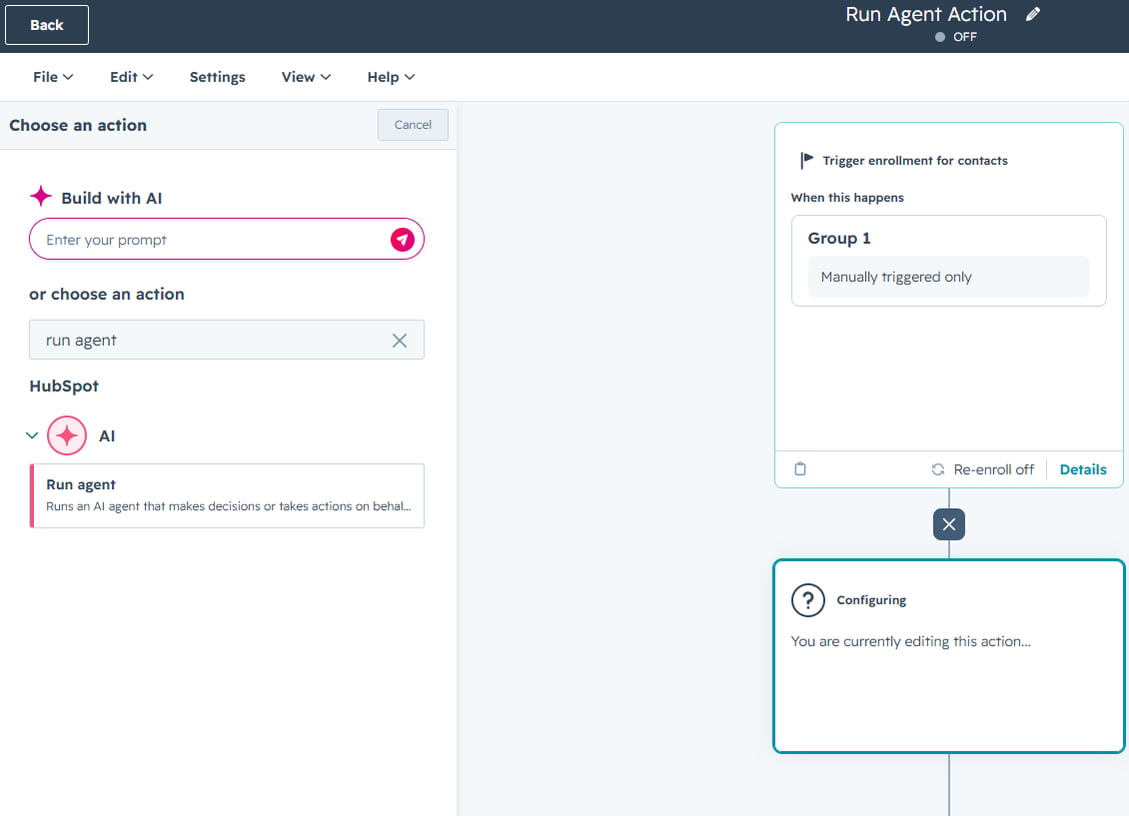
HubSpot has introduced a powerful new “Run Agent” workflow action, enabling you to bring AI agents directly into your workflows and orchestrate them alongside your CRM data and automation logic. This means agents are no longer standalone tools, but fully embedded components of your end-to-end processes.
Use Case: Running agents used to require using Breeze Studio, which limited how they could be triggered and how deeply they could integrate with existing automation. With this update, you can now deploy agents using any workflow trigger, pass relevant CRM data into them, and use their outputs to update records, trigger follow-ups, or power additional workflow actions.
This opens the door to more advanced automation, from enriching data and qualifying leads to orchestrating multiple agents within a single workflow.
Available in: Marketing, Sales, Service, Data Hub, and Smart CRM (Professional and Enterprise)
What’s gone live?
Features don’t stay in Beta forever, but you might have also missed the Beta entirely and now something new is live in your portal. Here’s what you should check out this month:
1. WhatsApp Home
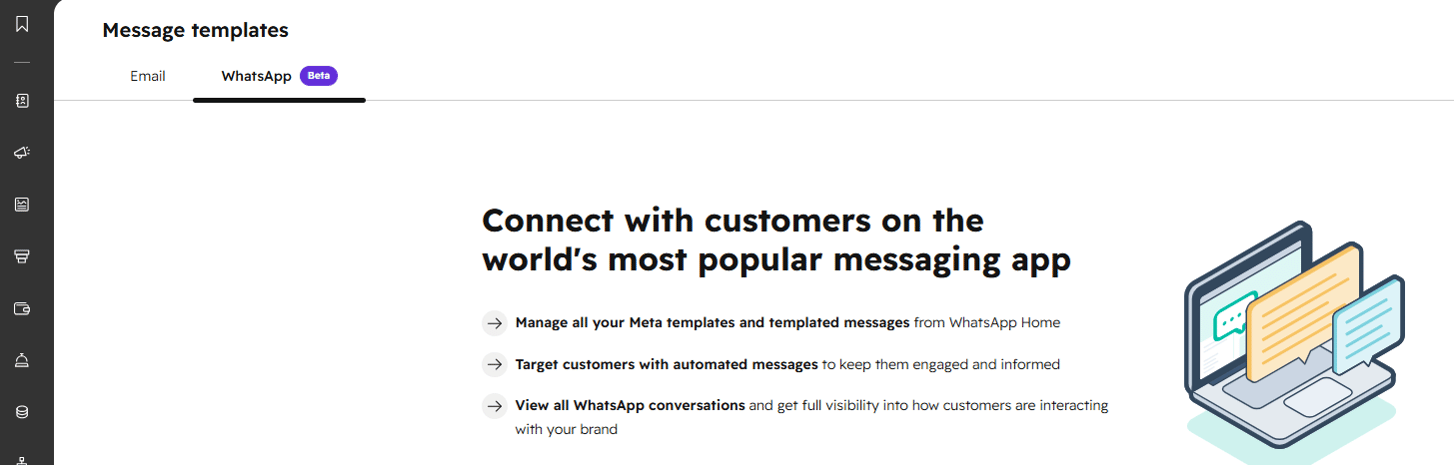
HubSpot has introduced a dedicated WhatsApp Home, bringing the channel in line with its core messaging tools and making it easier to manage conversations, templates, and performance in one place.
Use case: Managing WhatsApp within HubSpot used to feel fragmented, with limited visibility across templates and performance. With this update, you now have a centralised experience where you can manage message templates, track their status, and access a full reporting suite to monitor delivery, engagement, and errors over time.
This makes it much easier for teams to scale WhatsApp as a core communication channel, while improving visibility and control across messaging activity. Assist with Marketing Hub campaigns) you were forced to create a brand-new, specific "Sales + Marketing" permission set or manually override individual settings. This update removes that administrative burden by allowing you to stack existing sets together.
Available in: Marketing Hub and Service Hub (Professional and Enterprise)
You’ll find this new update under CRM → Message Templates
2. Predicted Email Engagement in Segments
HubSpot has introduced predicted email engagement within contact segments, giving you a powerful, data-driven way to understand how your audience is likely to perform before you even send a marketing email.
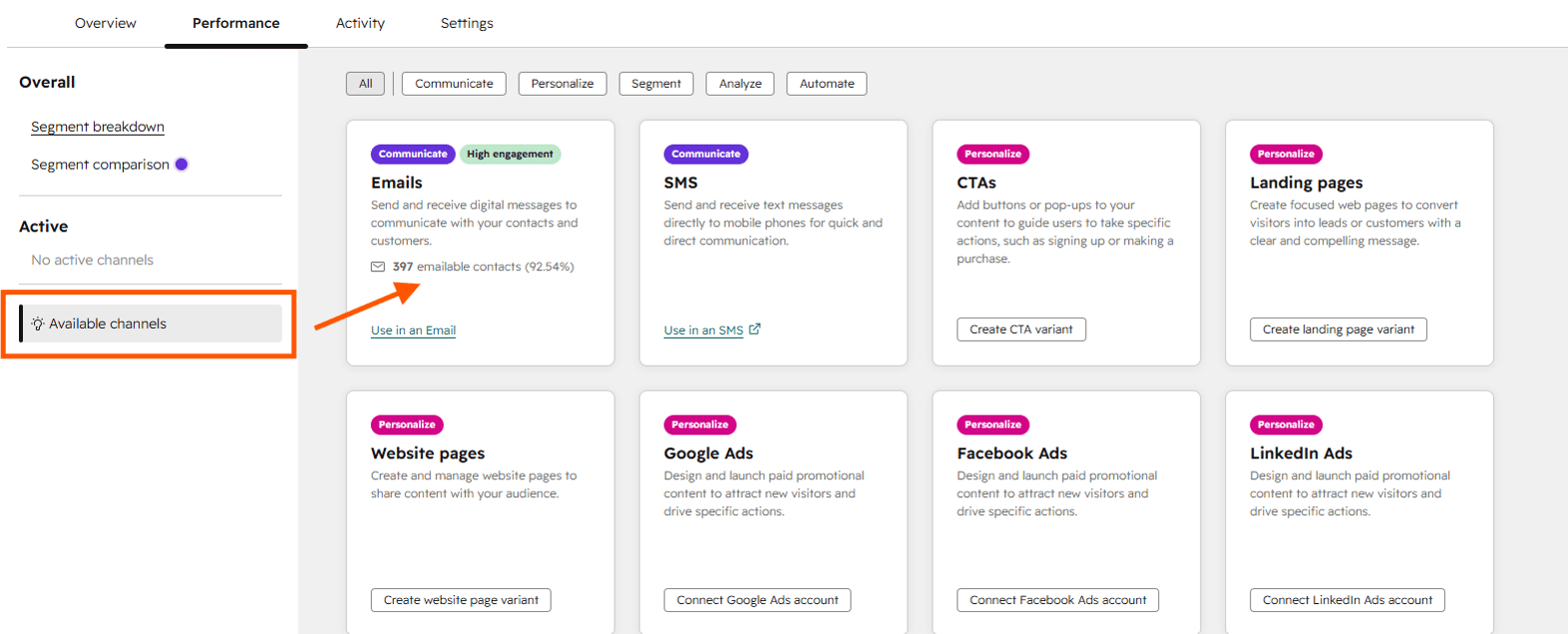
Use Case: Instead of relying on guesswork or waiting to add your segment to the email to see how many contacts will receive it, HubSpot now analyses historical engagement to predict whether a segment is likely to have high, medium, or low performance.
This means you can prioritise high-impact segments, refine your targeting, and make smarter send decisions with confidence. Whether you're optimising campaigns or testing new audiences, this update helps you focus your efforts where they’ll deliver the most value.
Available in: All hubs and tiers 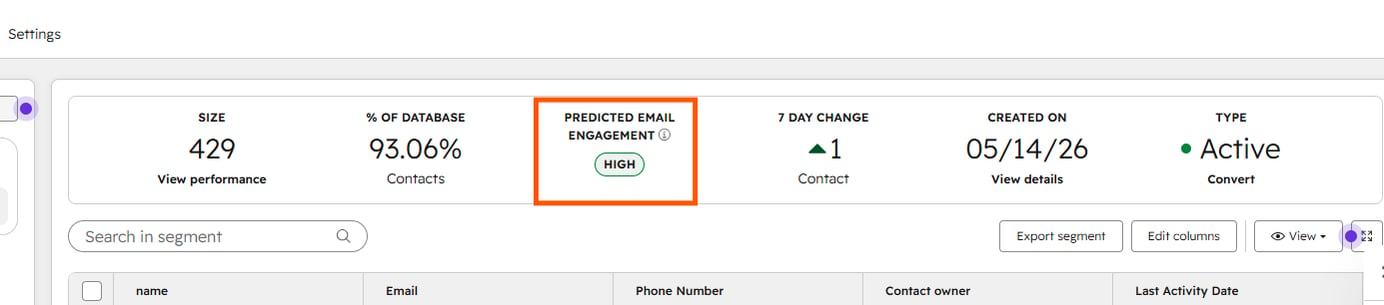
How to access Beta updates
HubSpot consistently responds to user feedback, which is why not all new features are immediately available to everyone. Many begin as Beta releases, offering you the chance to test the changes and provide your input.
If you haven't seen an update in your portal yet, you can easily and quickly enrol in the Beta program. Follow the step-by-step process below for details:
Good to know: While the majority of features in Beta do go live, HubSpot doesn’t guarantee that every Beta will go live and may still be removed.
Ready to master HubSpot? Join the Advanced HubSpot User Group for exclusive access to hands-on workshops, practical deep dives, and innovative strategies.
Want to find out how you can get the most out of your HubSpot portal? Contact us for a portal audit, or explore our HubSpot Onboarding services.