Using data-driven insights and requests from its robust community, HubSpot continually evolves its unified customer platform. As a result, we get a seamlessly connected system that ensures data, AI, and teams can scale with intelligence across sales, marketing, and service.
To help you stay ahead and keep up-to-date with HubSpot’s monthly updates, we unpack the top updates for the month. Here is our selection for this month:
Here are our favourite HubSpot Product Updates for May 2026:
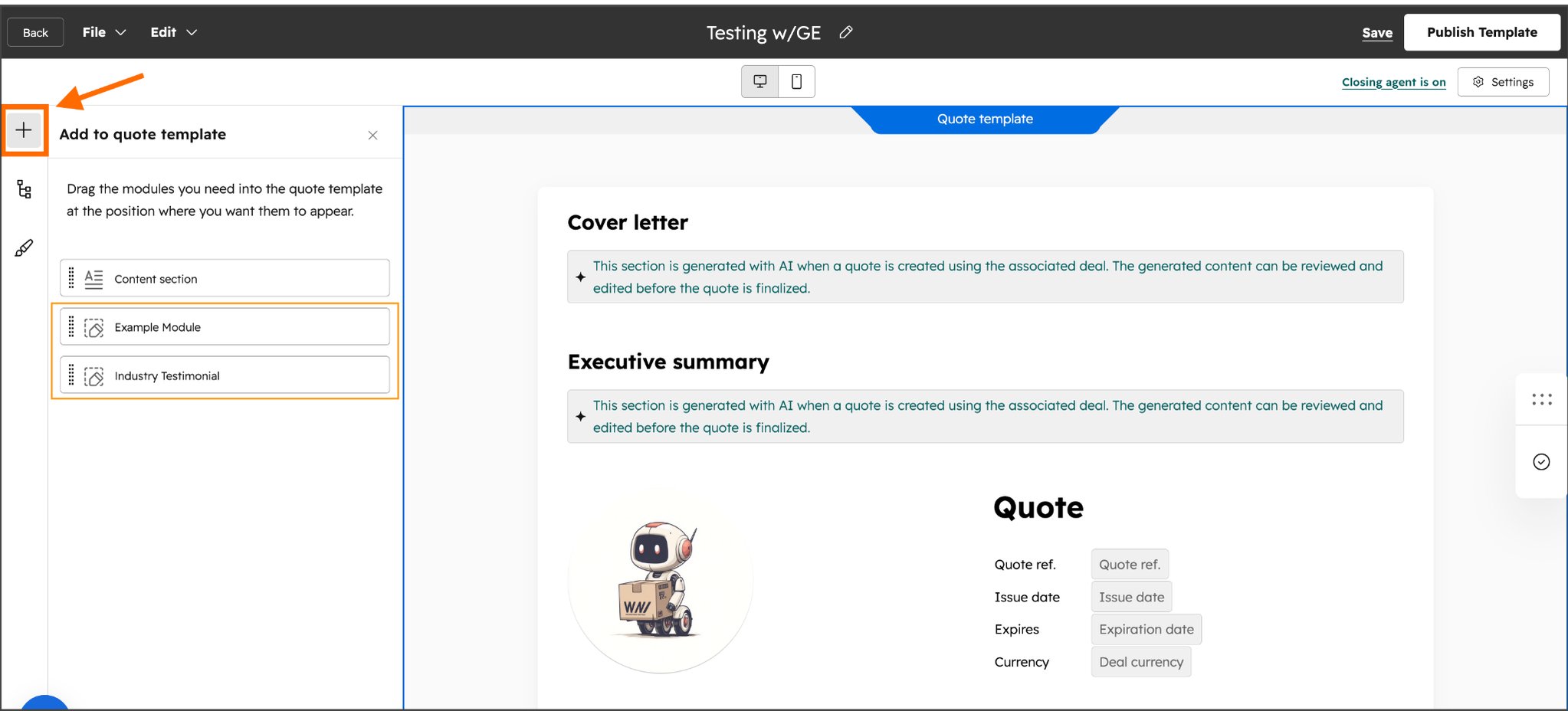
1. Custom coded modules for quotes
HubSpot has introduced a powerful new way for developers and admins to take total control over the look and functionality of their quotes. By using custom-coded modules, you can now build interactive, data-rich elements that sit directly within your quote templates or individual quotes.
Use case: Previously, HubSpot quotes were limited to standard drag-and-drop sections and basic rich text. While functional, many businesses required deeper logic or more specific brand styling. This update transforms the HubSpot CRM from a simple document generator into a flexible platform, allowing you to create quote experiences that are perfectly tailored to your business operations.
*Note: module creation requires a developer, once created, the module can be added and updated within the quoting tool by the sales person. Details can be found here.
Available in: Commerce Hub Professional and Enterprise
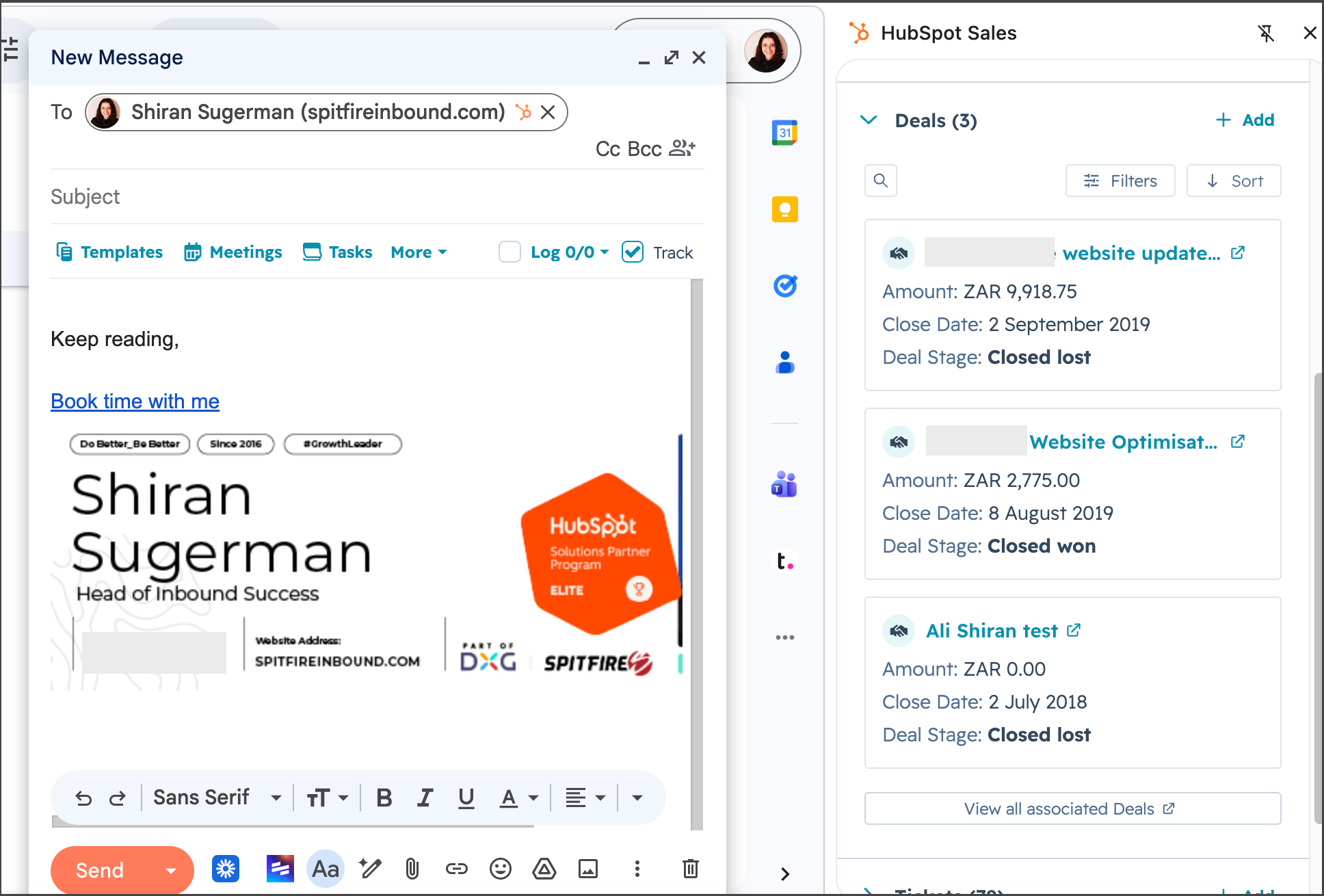
2. Deal context in Gmail extension
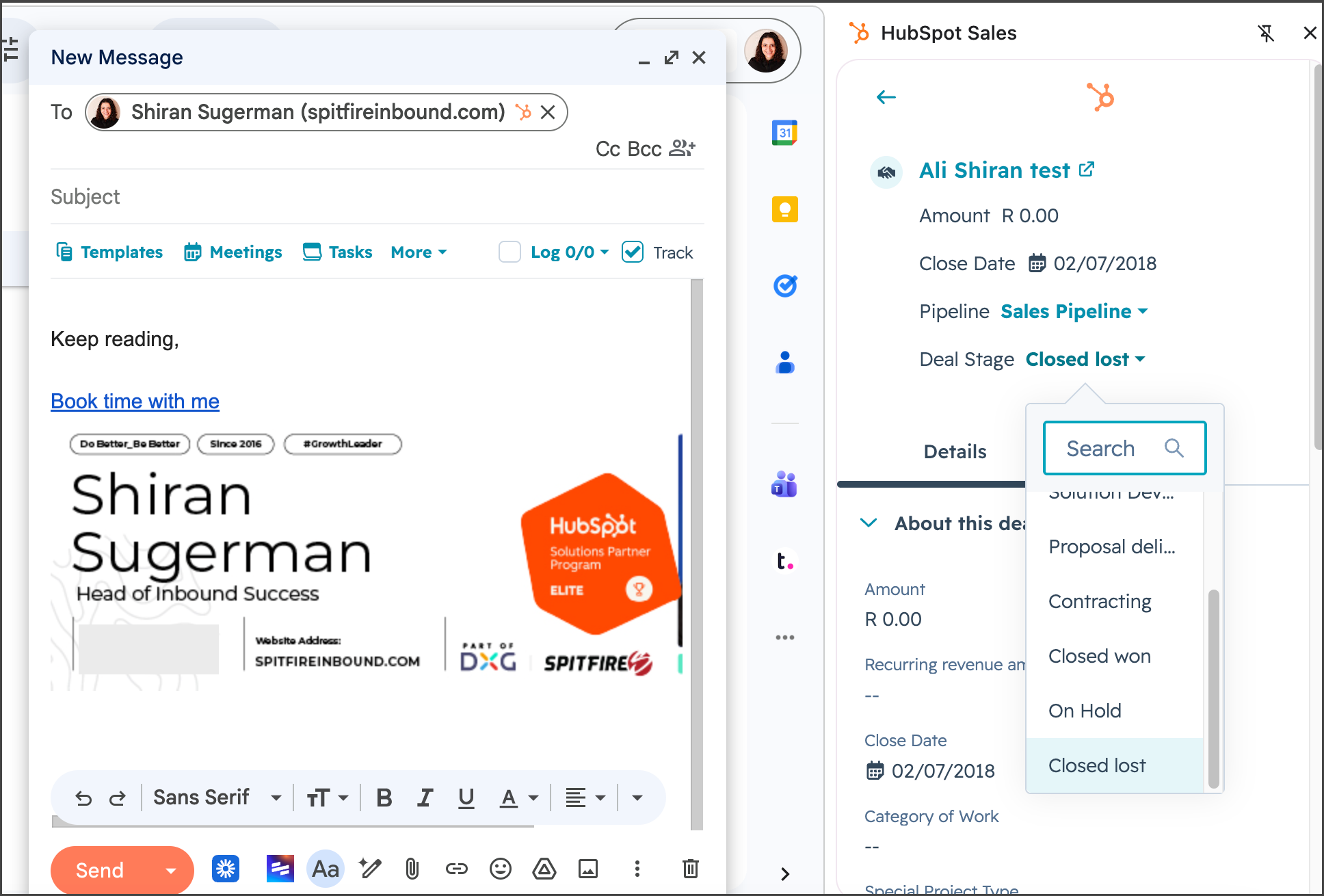
With this update, sales reps will no longer need to toggle between their inbox and the HubSpot CRM to find the information they need to close a deal. This update will allow your sales people to view all their deal context in the Gmail extension, giving them a quick glance at a deal's progress or the ability to update a close date from within their Gmail.
Use Case: For sales leaders, this update is about data integrity and team velocity. When updating the CRM is as easy as clicking a sidebar in Gmail, the likelihood of having accurate, up-to-date deal data increases significantly. For reps, it removes the friction of hunting for information, allowing them to focus on high-quality engagement rather than administrative navigation.
Available in: All hubs and tiers
What’s gone live?
Features don’t stay in Beta forever, but you might have also missed the Beta entirely and now something new is live in your portal. Here’s what you should check out this month:
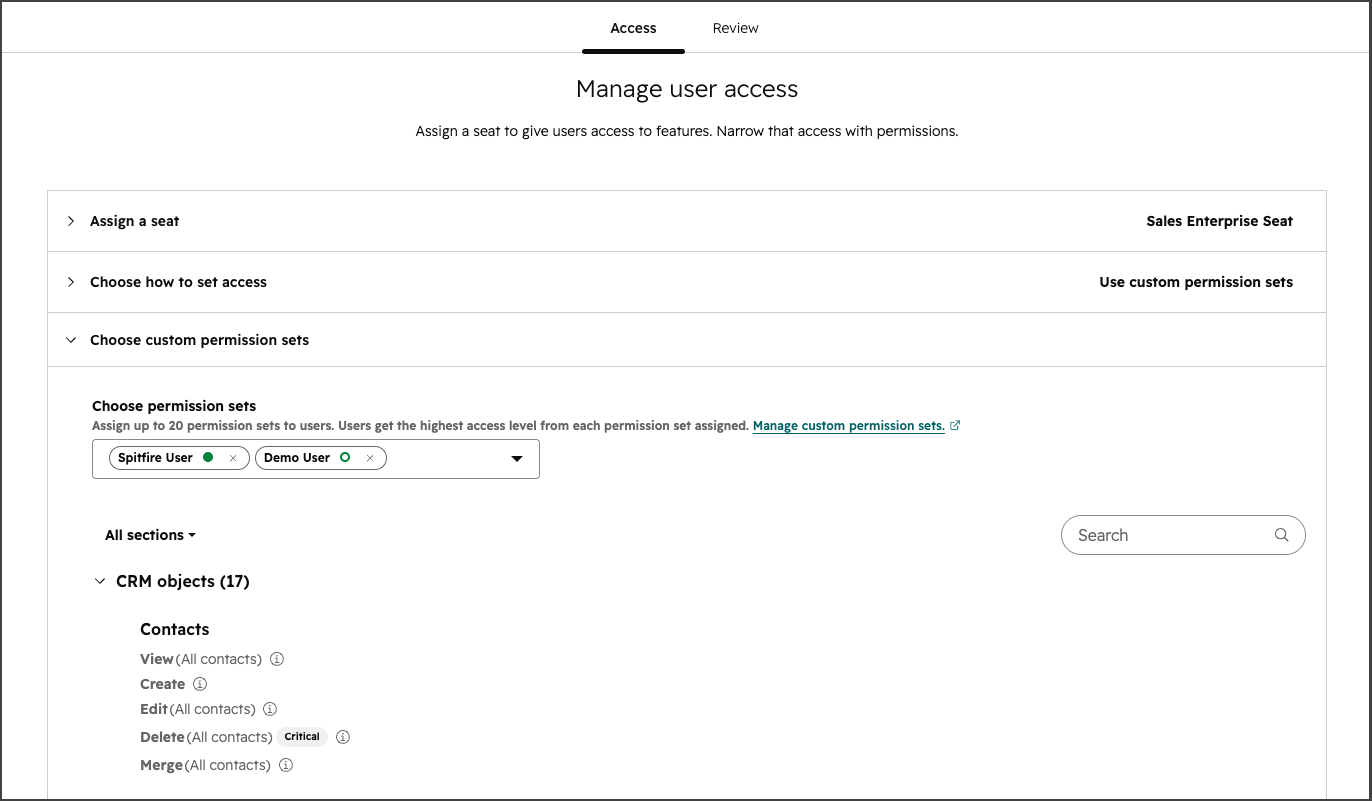
1. Multiple permission sets per user
Managing user access in your HubSpot portal is about to become much simpler. HubSpot has introduced the ability for admins to assign multiple permission sets to a single user, allowing for a "layered" approach to security and access.
Use case: You have multiple teams with multiple users across different teams, all requiring slightly different permissions within the portal. Historically, HubSpot followed a one-to-one relationship between a user and a permission set. This meant that if a team member wore multiple hats (e.g a Sales Manager who also needed to assist with Marketing Hub campaigns) you were forced to create a brand-new, specific "Sales + Marketing" permission set or manually override individual settings. This update removes that administrative burden by allowing you to stack existing sets together.
Available in: All Enterprise hubs
2. PDFs as attachments in Customer Agent
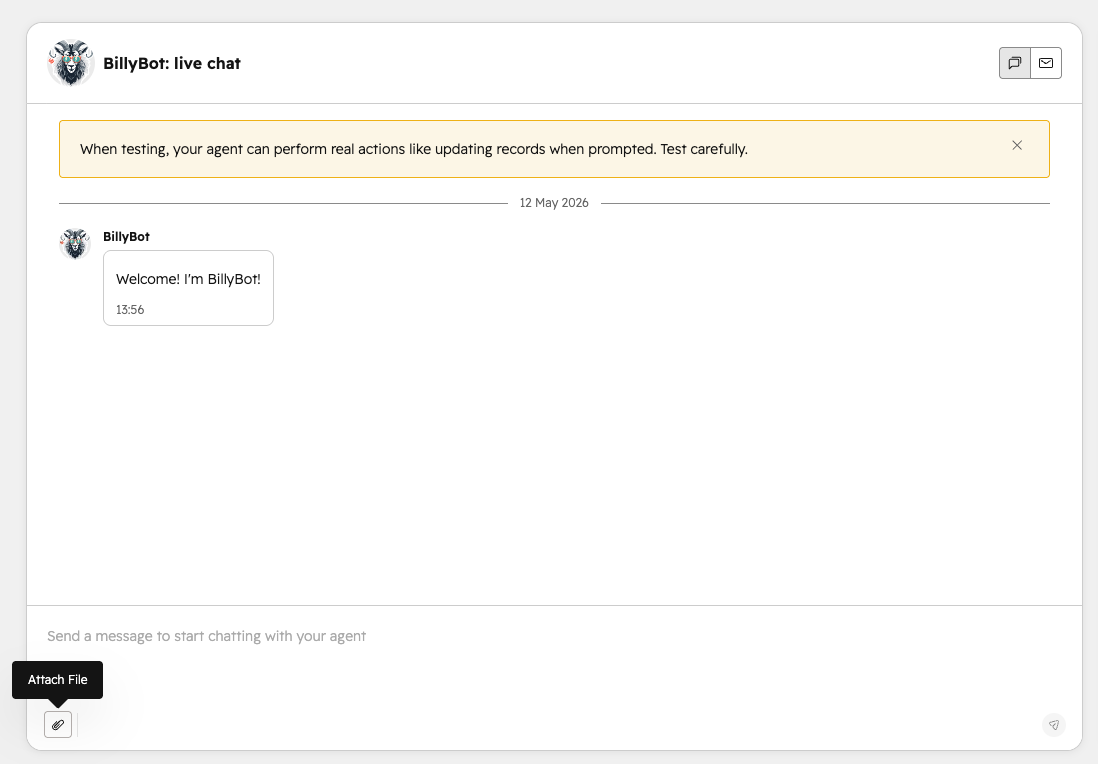
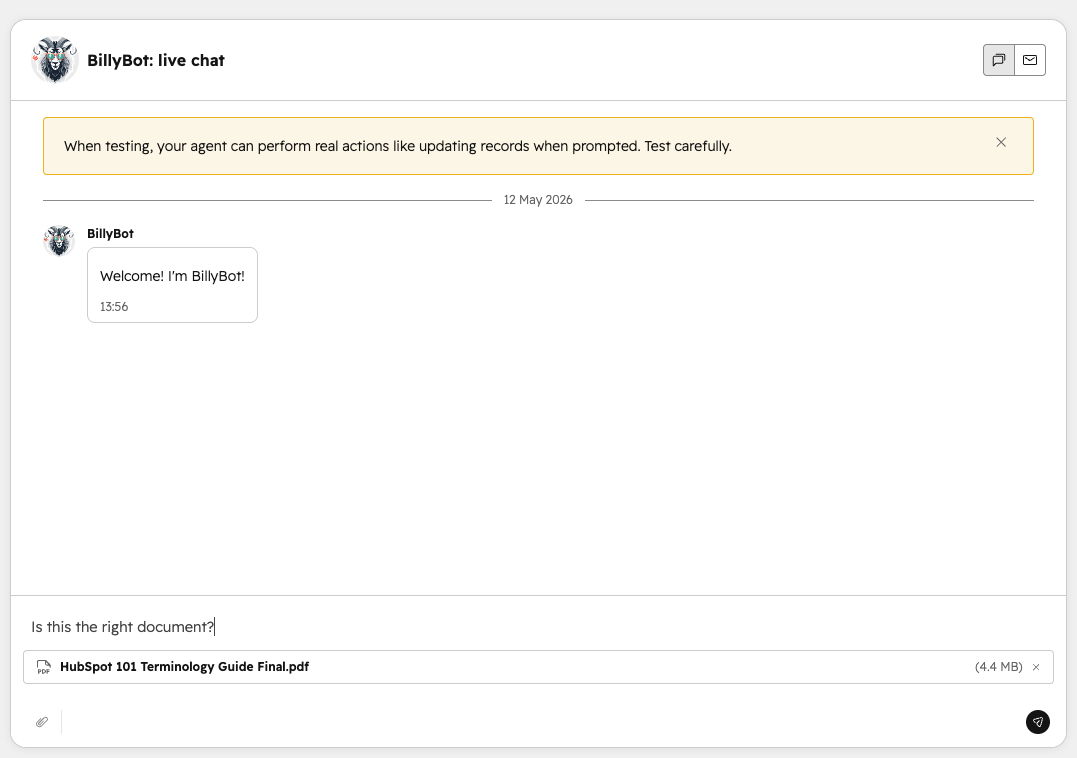
This update brings a much needed enhancement to the self-service experience by allowing visitors to attach PDF files directly within a Customer Agent conversation.
Use Case: Previously, if a customer needed to share a key document for support assistance, they would have had to move to email or just abandon the chat altogether. This friction not only frustrated the user but also fragmented the conversation history in your HubSpot portal. Now, these documents can stay right where the conversation started.
Available in: All hubs Professional and Enterprise
How to access Beta updates
Like we said, HubSpot loves to listen to its users, so not all updates are immediately live. Many start off in Beta where you have the opportunity to test and comment on these changes.
If you don’t see the update in your portal, you can enrol in the Beta. This is an easy and quick step to do. Take a look at the step-by-step process below for instructions:
Good to know: While the majority of features in Beta do go live, HubSpot doesn’t guarantee that every Beta will go live and may still be removed.
Want to become a HubSpot pro? Join the Advanced HubSpot User Group and get invites to hands-on workshops, practical deep dives, and fresh perspectives designed to take you from confident to seriously advanced in HubSpot.
What to find out how you can get the most out of your HubSpot portal? Contact us for a portal audit, or explore our HubSpot Onboarding services.